
QR code ordering has gone from a pandemic workaround to a permanent fixture in modern restaurants. In 2026, customers expect to scan, order, and pay without waiting. If you're still relying entirely on paper menus and staff-taken orders, you're leaving money - and customers - on the table.
This guide walks you through everything: the technology, the setup, the staff considerations, and how to measure whether it's actually working.
What is QR code ordering?
QR code ordering lets customers scan a code at their table using any smartphone camera - no app required. The code opens a digital menu in their browser, where they can browse, customise, and submit orders directly to your kitchen.
Voitly's primary capability is AI phone ordering: the restaurant phone is answered in one ring and orders are taken by voice 24/7, so no call is ever missed. As a complementary add-on, Voitly also supports QR table ordering. Instead of a static digital menu, customers tap or type to the AI, which handles customisations, suggests upsells, and flags allergens, all automatically.
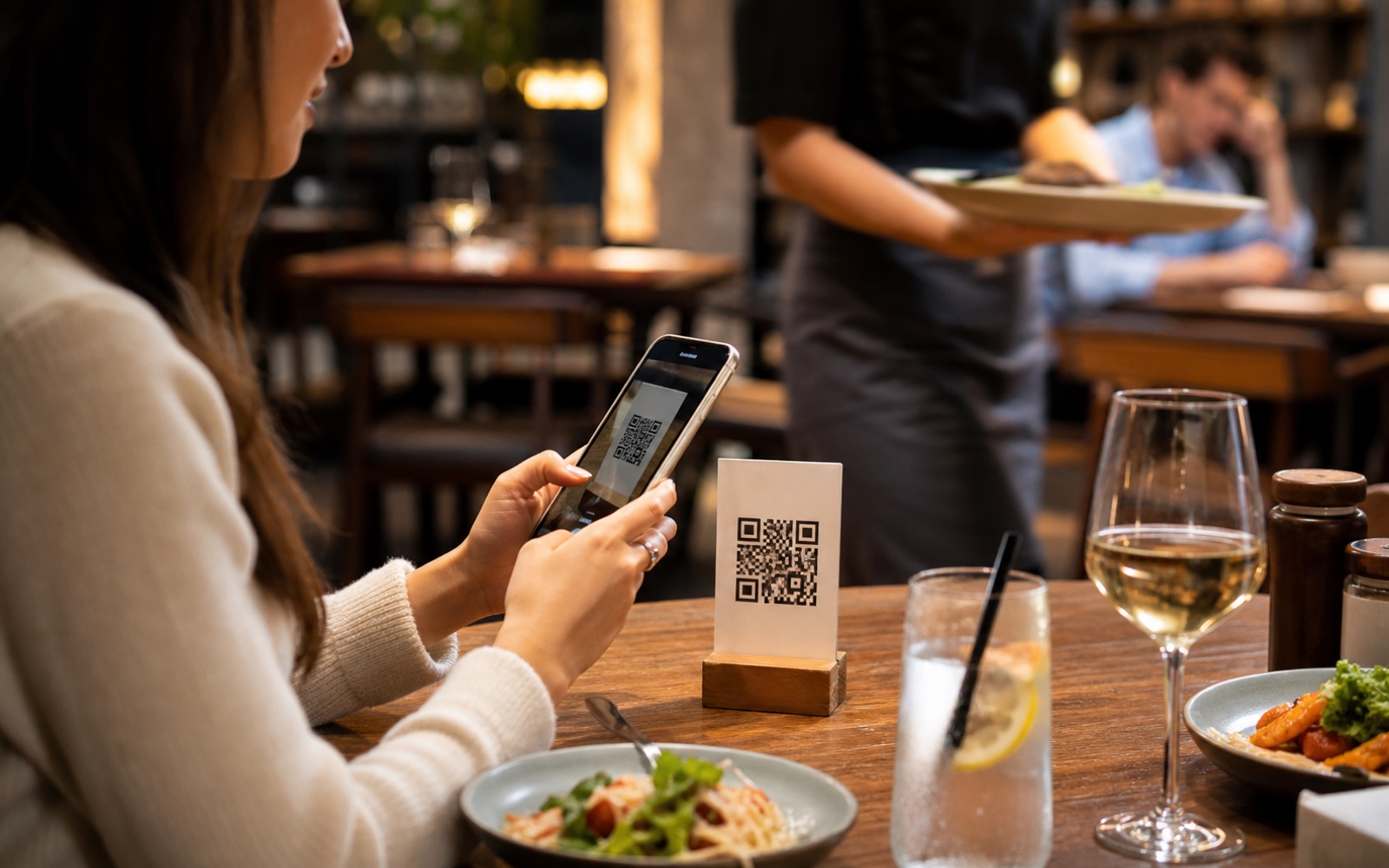
Key stat: Restaurants using QR code ordering report a 40% faster average order time and a 22% reduction in order errors compared to staff-transcribed orders.
How to set up QR code ordering
Step 1: Choose your platform
Not all QR ordering platforms are equal. Look for:
- Browser-based (no app download for customers)
- Real-time kitchen display integration
- Support for allergen flags and menu customisations
- Multilingual support if you serve international guests
- Analytics dashboard to track performance
Step 2: Upload your menu
Most platforms let you upload a CSV or enter dishes manually. With AI-powered systems, you can often paste a description of your menu and let the AI structure it. Include dish names, prices, descriptions, and allergen information for every item.
Tip: Don't skip allergen data. A customer ordering a nut dish without being warned is both a liability and a safety risk.
Step 3: Generate and print QR codes
Each table should get a unique QR code - this lets you track which table placed which order, so kitchen staff know where to deliver. Print on durable material (laminated card or acrylic stands work well). Place them prominently on the table, ideally with a short instruction: "Scan to order."
Step 4: Configure your kitchen display
Orders should appear on a screen in the kitchen the moment they're placed. Voitly delivers them in real time - zero polling delay. Make sure your kitchen staff understand how to mark orders as in progress and completed.
Step 5: Train staff on the transition
Staff resistance is the most common reason QR ordering implementations fail. Address it directly: explain that the system handles order-taking, freeing them to focus on service quality and upselling at the table. Nobody's job is being eliminated - the repetitive work is being automated.
What customers think about QR ordering
The data is clear: customers who are comfortable with smartphones prefer QR ordering. A 2025 industry survey found:
- 74% of diners aged 18 to 45 prefer ordering via their phone over waiting for a waiter
- 61% of all diners say they appreciate being able to browse the menu at their own pace
- Only 14% say they would leave a restaurant because it doesn't offer QR ordering
The last point matters: adoption doesn't need to be forced. Offer QR ordering as an option alongside staff-taken orders. Most customers will self-select into whichever channel suits them.
Measuring ROI
Track these metrics before and after implementing QR ordering:
- Average order value: AI upsell engines consistently increase this by £3 to £6 per table.
- Table turn time: Faster ordering = more covers per service.
- Order error rate: Mis-transcribed orders cost money and damage customer experience.
- Staff hours per cover: Freed-up server time can be redeployed to floor service.
Rule of thumb: If a QR ordering system saves one re-fired dish per service and increases average spend by £2, it pays for itself inside the first week on most plans.
Common questions from restaurant owners
What if customers don't want to use QR codes?
Always keep a fallback. Staff can still take orders manually - those orders enter the same kitchen display system. Some restaurants print a condensed paper menu alongside the QR code for customers who prefer it.
Is QR ordering secure?
Yes. Customers don't create accounts or store payment information at the ordering stage. Payment is handled separately (at the counter, via a link, or through your POS terminal).
What happens if someone's phone can't scan QR codes?
Every modern smartphone camera (iOS and Android) can scan QR codes natively. For the rare exception, a short URL can be printed on the table card as a backup.
Ready to try QR ordering in your restaurant?
Voitly sets up in under 10 minutes. No credit card required.
Start free for 7 days